
- Developer
- Cisco Systems, Inc.
- Installs
- 10K+
- Downloads
- 1
- Views
- 12
- Updated
- Oct 15, 2026
Screenshots

About Webex Canary
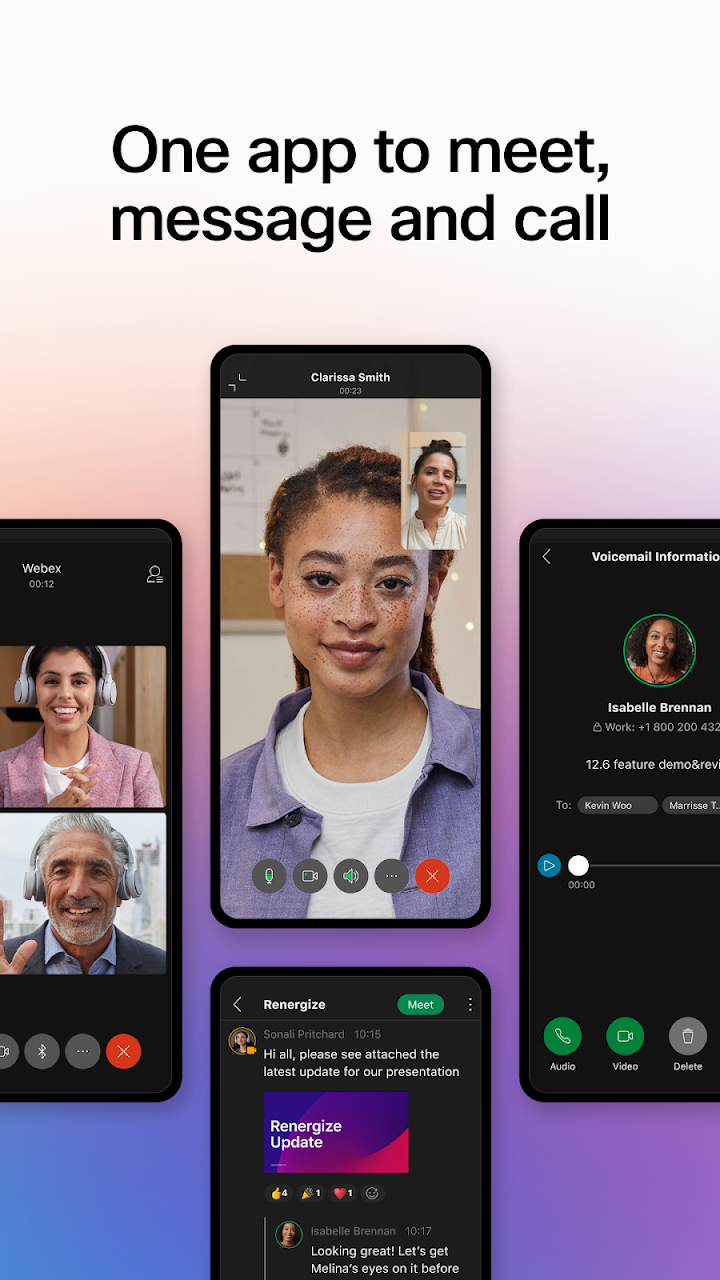
Modern teams work from offices, homes, airports and everywhere in between, and they need tools that keep up. The all-new Webex App brings meetings, messages and calls together in a single, secure and easy-to-use app. Instead of switching between several programs, you can connect with colleagues, clients and partners from one place. The result is a smoother, more inclusive way to collaborate, whether everyone is online at the same moment or contributing at different times.
What Is the Webex App?
The Webex App is a collaboration platform built to help people do their best work together. It combines video meetings, real-time messaging and business calling into one experience, with a focus on security and simplicity. Its engaging and intelligent features aim to make teamwork feel natural, so that people can stay connected and productive no matter where they are.
Meet: Be Seen and Heard from Anywhere
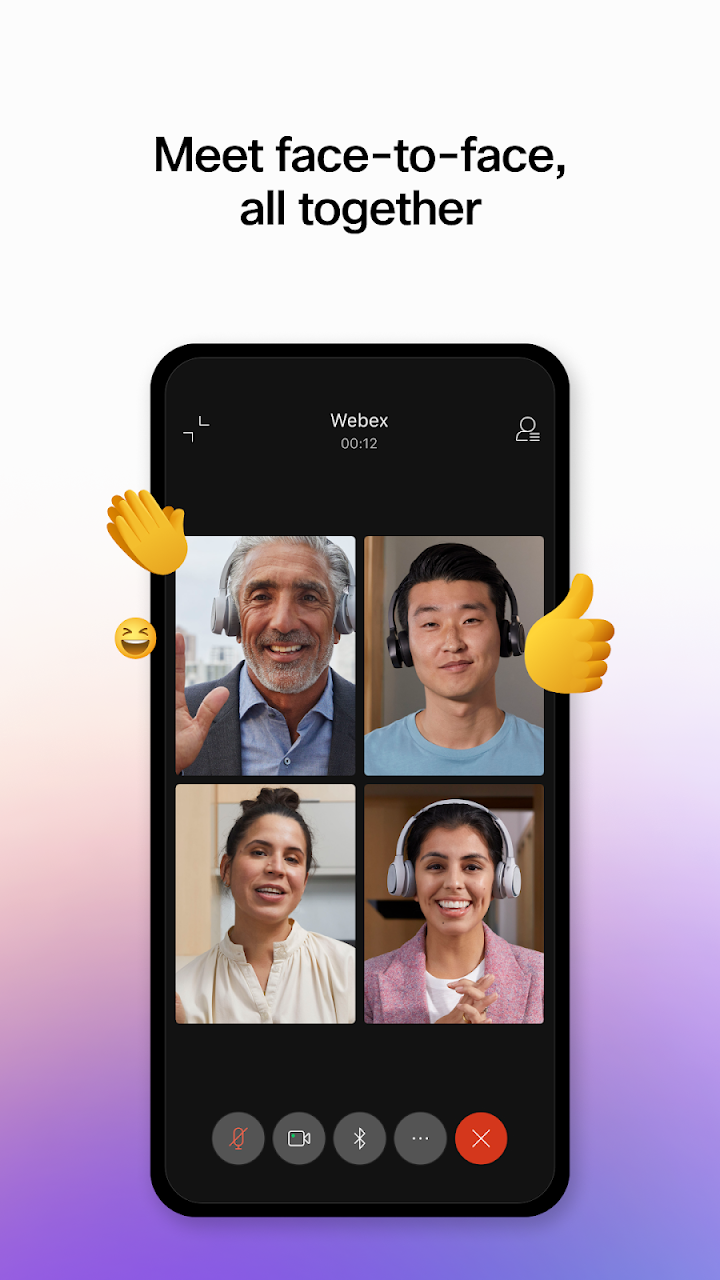
Great meetings depend on clear communication, and the Webex App includes several features designed to help everyone take part.
- Real-time translation: Support for more than 100 languages helps teams understand each other across borders.
- Personalized meeting layouts: Arrange your view so you can focus on the people and content that matter most.
- Background noise removal: Reduce distracting sounds so voices come through clearly.
Together, these tools make sure participants can be seen and heard, regardless of where they join from. Whether you are in a quiet office or a busy café, you can contribute with confidence.
Message: Stay Connected Before, During and After Meetings
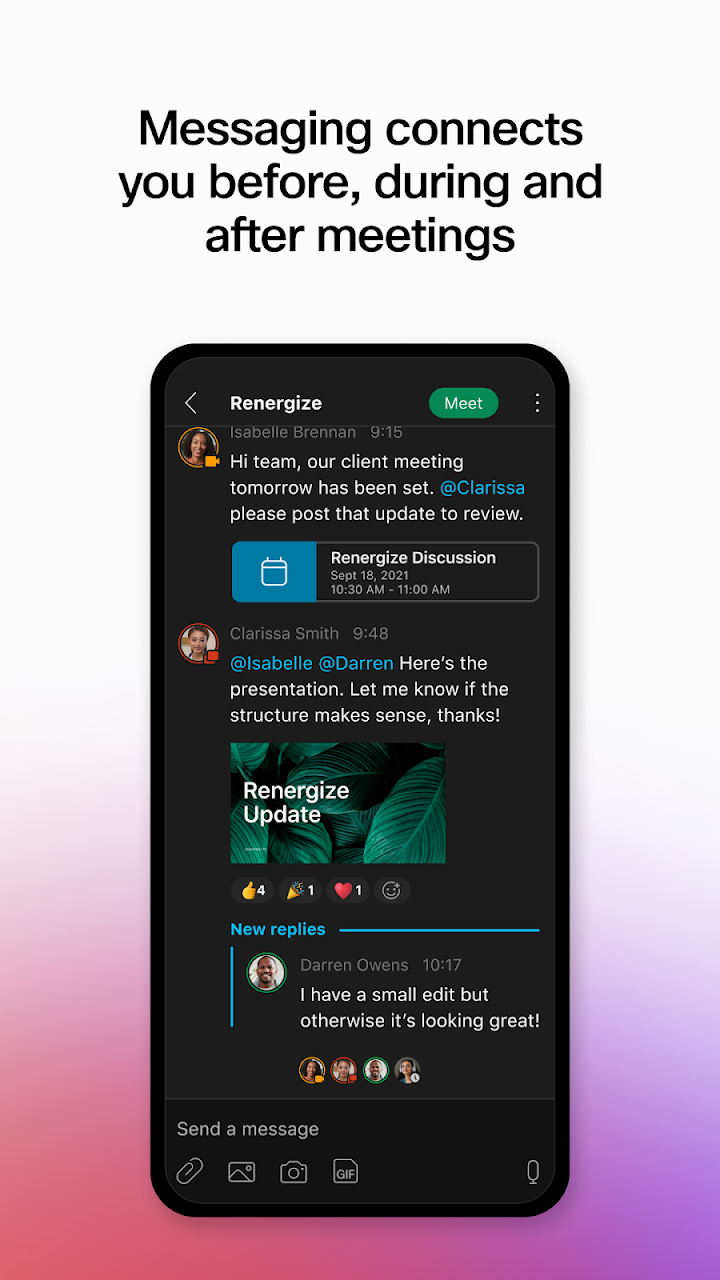
Collaboration does not stop when a call ends. Real-time messaging in the Webex App keeps conversations moving before, during and after your meetings, so ideas and decisions never get lost. You can chat one-on-one or in groups, and share updates quickly without waiting for the next session.
Sharing files is simple and secure too. You can send documents to internal teams as well as external colleagues using nothing more than an email address. That makes working with partners and clients faster, while keeping security a priority.
Call: Your Business Phone, Anywhere
The Webex App also brings your favorite calling features into the same place. This gives you the power of your business phone anytime and anywhere. You can instantly start impromptu conversations when a quick question comes up, and use visual voicemail to review messages at a glance. With calling built in, there is no need to juggle a separate phone system alongside your meeting and chat tools.
Why Teams Choose the Webex App
- One app for everything: Meet, message and call without switching tools.
- Secure by design: Built with safe collaboration in mind.
- Inclusive experiences: Translation and noise removal help everyone participate.
- Flexible timing: Work together in real time or at any time that suits your team.
- Easy external sharing: Share files with outside colleagues using just an email address.
Tips for Getting More from Webex
- Customize your layout. Choose a meeting view that suits how you like to work.
- Use messaging between meetings. Follow up quickly so projects keep moving.
- Turn on noise removal. It helps when you are working from busy places.
- Try translation in global meetings. It makes it easier for multilingual teams to follow along.
- Check visual voicemail. Review calls quickly and respond when it suits you.
Who Is the Webex App For?
The app works well for remote teams, hybrid workplaces, distributed organizations and anyone who regularly collaborates with people in different locations. Managers, project leads, support teams and sales professionals can all benefit from having meetings, messaging and calling in one spot. Because it supports both internal and external collaboration, it also fits businesses that work closely with clients and partners.
Frequently Asked Questions
What can I do with the Webex App?
You can join and host meetings, chat with colleagues through one-on-one and group messages, and make business calls, all in one app.
Does it support multiple languages?
Yes. Real-time translation supports more than 100 languages.
Can I share files with people outside my company?
Yes. You can securely share files with external colleagues using only an email address.
Can I use it for business calls?
Yes. Calling features, including impromptu calls and visual voicemail, are built into the app.
Get Started with Webex
Ready to simplify the way your team works together? Download the Webex App to meet, message and call from one secure place. To learn more about the app and explore its latest features, visit webex.com.